
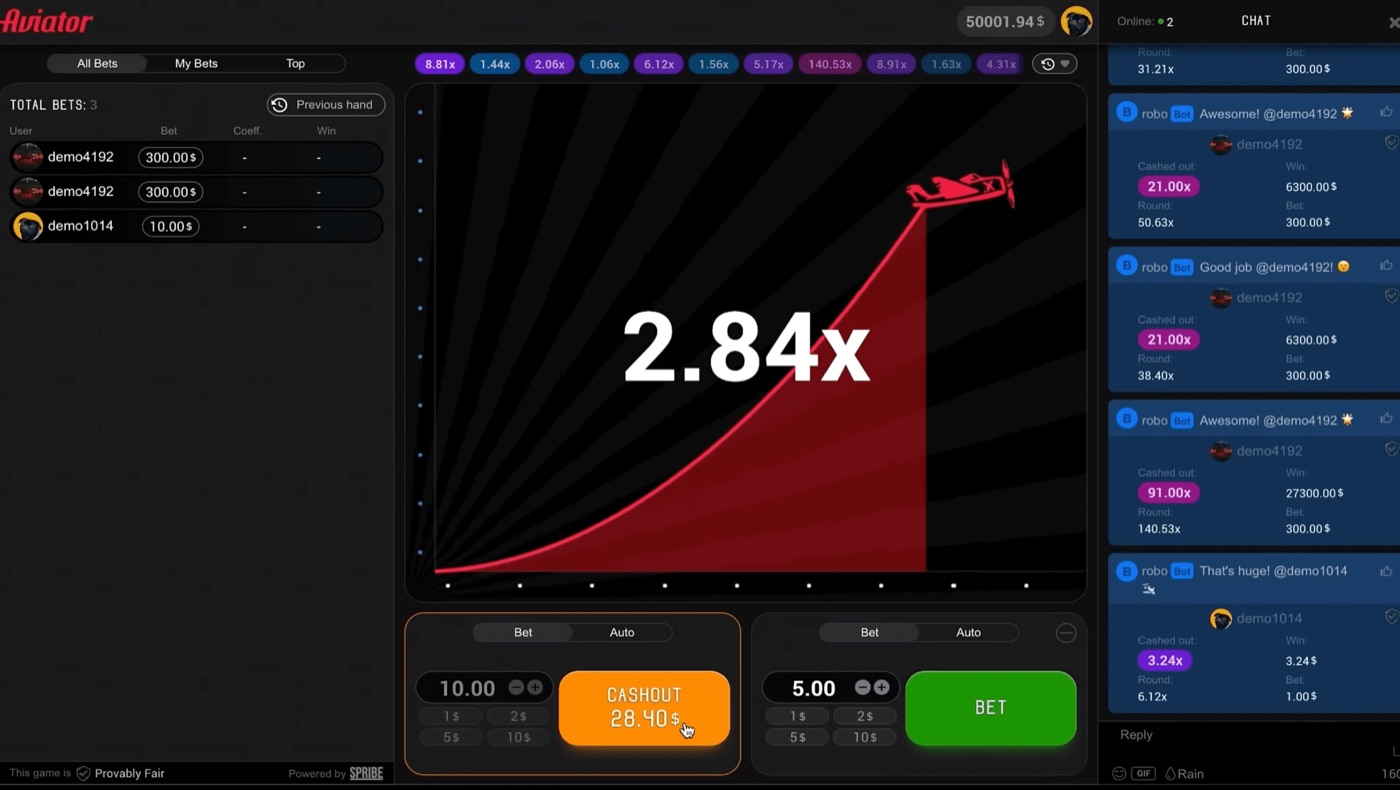
Aviator support starts with the operator that hosts the game. Spribe develops Aviator, but the game runs inside a licensed operator’s website or app. That distinction matters when a bet, cash-out, account balance or promotional credit needs review.
Round evidence gives a second path. Aviator publishes a SHA-256 hash before each round, combines the server seed with player client seeds, and reveals the inputs after the round. This article explains what to save, what support can check, how timing affects a cash-out, and how to escalate a complaint without losing the useful details.
Operator Support First
Spribe launched Aviator in early 2019. The operator controls the player account, stake records, payment records and local game access.
Start with the operator’s support route, not a third-party Aviator app or predictor. The operator can connect a complaint to the account and the relevant transaction. Spribe’s game evidence can then help check the round itself.
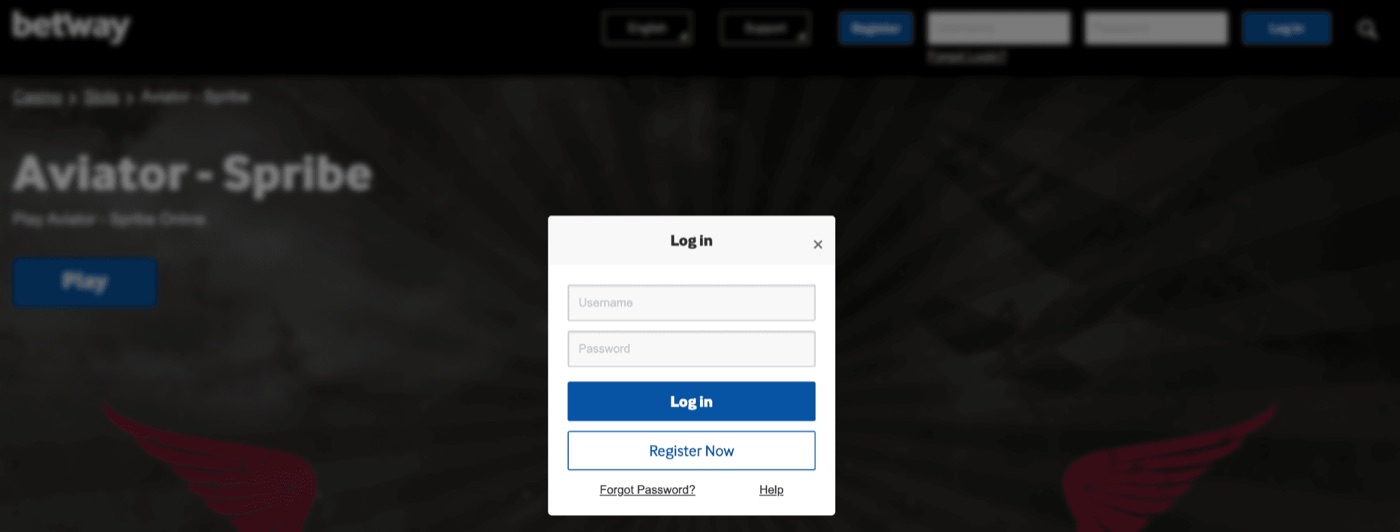
The operator login window leads into its hosted Aviator game.
Prepare a short record before contacting support. A clear first message reduces back-and-forth and keeps the issue tied to one event.
- Account name or account identifier used by the operator.
- Date and approximate time of the disputed round.
- Stake amount and currency.
- Multiplier shown when the cash-out was requested.
- Multiplier at which the round crashed, if displayed.
- Transaction or bet reference, if the operator shows one.
- Device type and browser or app used for the session.
Describe one problem per message where possible. “My cash-out timed out at 2.00x” is easier to review than a general claim that Aviator is rigged. Keep screenshots of the bet panel, round history, balance change and any error message before the screen changes.
Support response time depends on the operator. The supplied Aviator information does not set one universal response period for account or payment complaints. Ask the operator to confirm that it has opened a case and to provide a reference for follow-up.
Round Evidence Explained
Aviator publishes a SHA-256 server-seed hash before each round. A round lasts about 8-30 seconds, with a few seconds between rounds.
The crash point is fixed before take-off. After the round, the server and client inputs are revealed, and the verification tool inside the game can check the result.
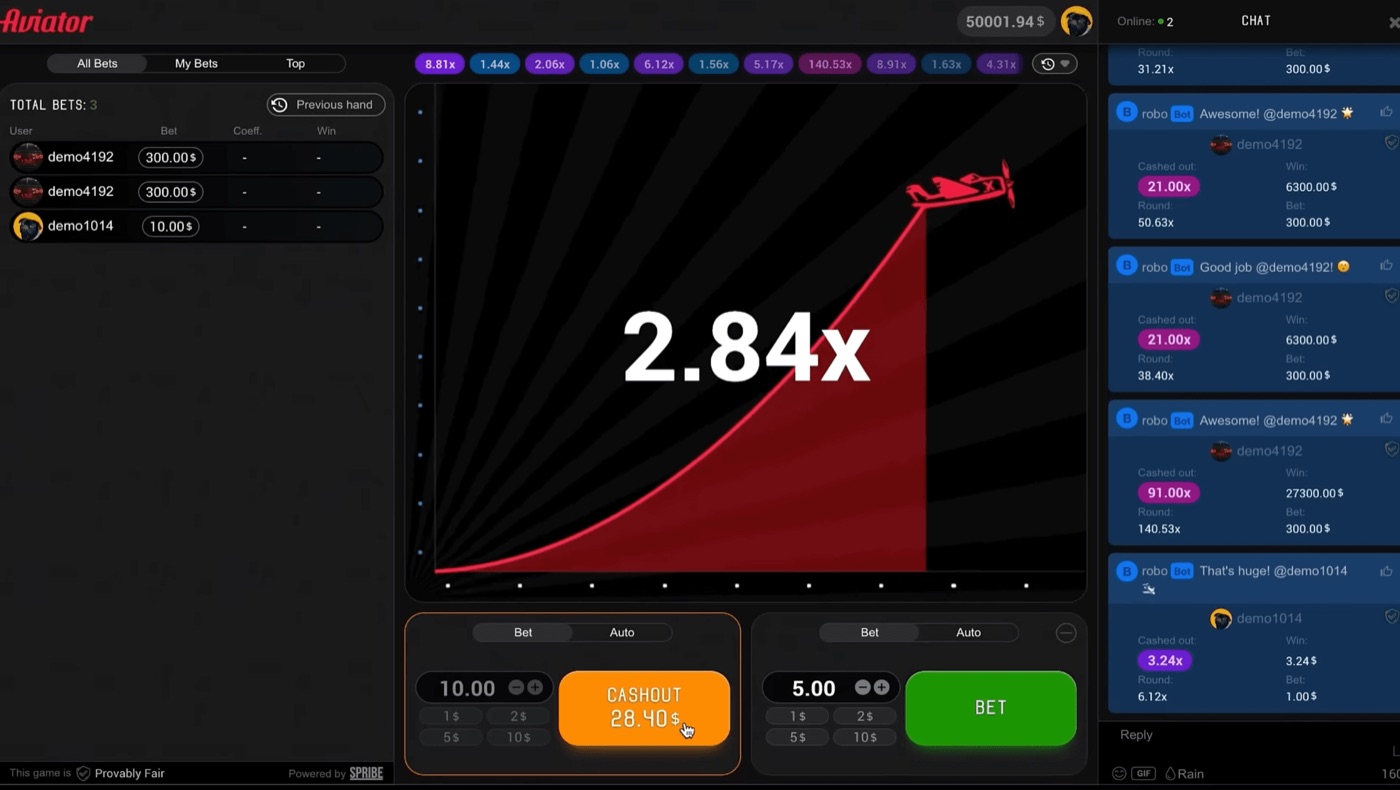
The interface shows live bets, chat and a cash-out at 28.40.
This process answers a narrow question: whether the published inputs produce the displayed crash point. It does not decide whether an operator credited a payment correctly, whether a connection dropped, or whether a promotion applied. Those matters remain operator-account issues.
- Open the relevant Aviator round history.
- Record the displayed multiplier and the round time.
- Open the Provably Fair tool inside the game.
- Compare the published hash and later-revealed inputs.
- Save the verification result with the account and bet details.
Aviator has a Provably Fair badge in the interface. The operator and Spribe cannot change a result after the round starts. A dispute still needs the correct round, because a history entry without a matching stake or cash-out request may not explain the account balance.
The mathematics also sets limits on what evidence can show. Aviator has a 97% RTP and a 3% house edge. The probability that a round reaches a multiplier m is 0.97 divided by m.
| Target multiplier | Probability of reaching it |
|---|---|
| 1.20x | 80.8% |
| 1.50x | 64.7% |
| 2.00x | 48.5% |
| 5.00x | 19.4% |
| 10.00x | 9.7% |
| 50.00x | 1.94% |
| 100.00x | 0.97% |
About 3% of rounds, or roughly 1 in 33, crash instantly at 1.00x. A short run of low multipliers is not by itself proof of a changed result. Rounds are independent, and strategy changes variance rather than the 3% edge.
Cash-Out Timing Disputes
Aviator has two bet panels per round, and each panel can use a separate cash-out. The cash-out request must reach the server before the crash.
A cash-out shown at 2.00x can therefore create a timing dispute if the request reached the server after the crash. Latency or a slow device can cause a timeout, according to the supplied complaint guidance.
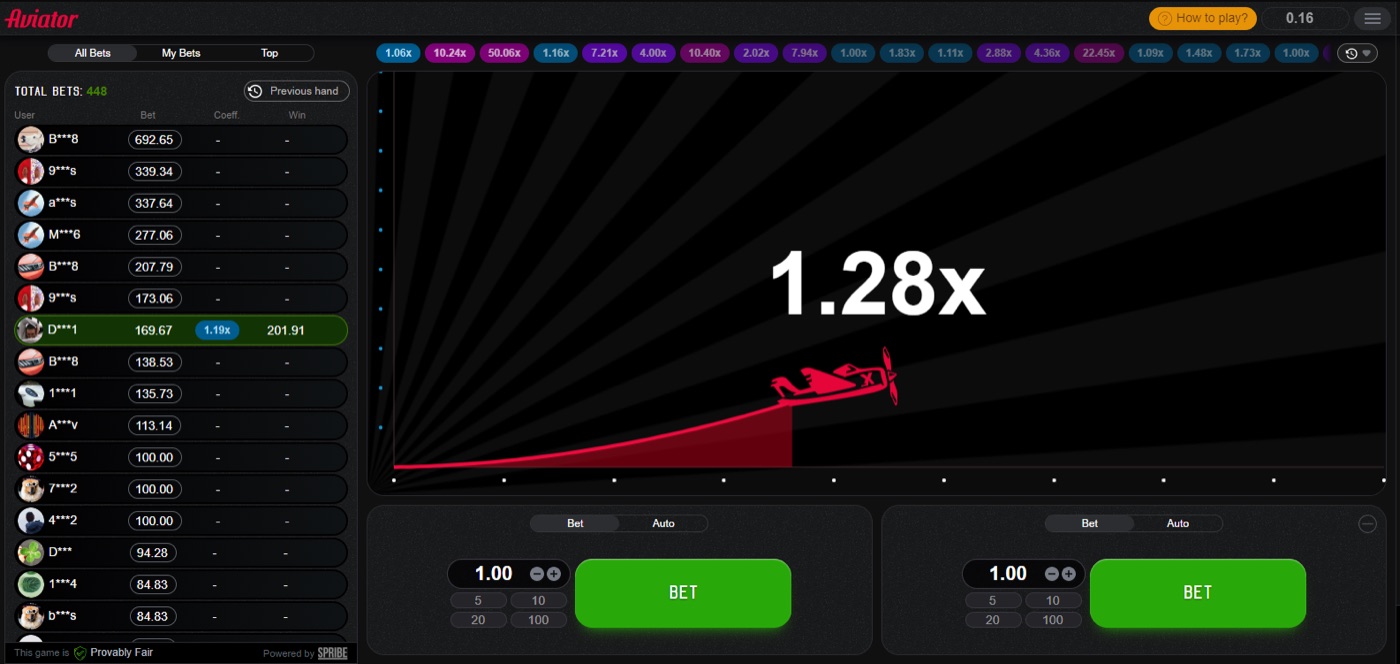
The plane in flight marks the short period before a possible crash.
Separate the visible display from the accepted transaction. The screen may show a changing multiplier, while the server decides whether it received the cash-out request in time. Ask support for the accepted cash-out time, the crash time, and the bet record.
- State the exact bet panel used if two bets were active.
- State whether manual cash-out or Auto Cash-Out was selected.
- Give the target multiplier if Auto Cash-Out was active.
- Record whether the interface showed a pending request, a timeout or a losing result.
- Ask whether the operator can confirm receipt time on its server.
Auto Cash-Out uses a preset multiplier. Auto Bet and Auto Play can run for 10-100 rounds, with stop-on-win and stop-on-loss settings. Include those settings in a complaint because they may explain why a bet was placed or settled without another manual tap.
For a crash game, the multiplier and cash-out request are the key records; readers researching an aviator apk 2025 should still check whether the bet was made through the operator’s own website or app.
Do not treat a predictor as evidence. Prediction is impossible because the crash point is committed by hash before the round. Telegram signal bots resell public maths, and third-party predictor apps cannot alter or verify an operator’s server record.
Play only with money you can afford to lose. Aviator is a high-variance game, even when the round evidence can be checked.
Escalation and Response
Aviator’s expected value is -3% of the stake at every cash-out target. An instant 1.00x crash occurs in about 3% of rounds.
Those figures explain ordinary losses, not an uncredited cash-out or missing deposit. Escalation should focus on the transaction that the operator has not explained.
Use a staged process. The first message should ask for a record review. The next message should add evidence, not repeat a broad accusation.
- Send the operator the account, round, stake, multiplier and transaction details.
- Ask for a case number and confirmation that the complaint is under review.
- Attach the relevant screenshot and the Provably Fair verification result.
- Ask for the server receipt time of the cash-out request if timing is disputed.
- Ask the operator to state whether the issue concerns the round result, account ledger, payment or promotion.
- Keep the operator’s replies and note each response date.
There is no universal Aviator support response time in the supplied information. Response times depend on the operator and on the type of issue. A round-result check may use different records from a payment or account review.
Give support a complete timeline. Use concrete entries such as “stake placed,” “cash-out tapped,” “screen showed timeout,” and “balance changed.” Avoid saying that a pattern proves manipulation. The game’s round history, hash and verification tool address result integrity; they do not replace an account ledger.
Escalate when the first reply does not answer the recorded question. Ask for a review by a senior support team or the operator’s complaints route if one is provided. Keep the request narrow: identify the disputed bet and ask what record supports the settlement.
- Do not send passwords, one-time codes or payment PINs.
- Do not keep placing bets to recreate the problem.
- Do not delete the original screenshots or chat messages.
- Do not rely on a third-party app as a round record.
Apps, Access and Records
Aviator has no standalone official app from Spribe. The game works inside an operator website or app on desktop, tablet and mobile browsers.
Demo mode needs no registration. It can show the game environment, but an operator account record is needed for a real-money stake or account settlement review.
Some app listings use names such as “Aviator” or “Aviator Predictor.” The supplied information identifies these as third-party clones, with virtual coins, no-real-value disclaimers or advertisements. Version labels such as “Predictor v4.0,” “v8” and “v12” are marketing names, not Spribe products.
- Check that the game opened inside the operator’s own website or app.
- Save the operator name shown on the login and game screens.
- Record whether the session used a browser, operator app or demo mode.
- Keep the round history and bet panel visible in any screenshot.
- Do not use a third-party predictor as proof of a future multiplier.
The operator can also set the practical betting terms. Typical stakes range from about $0.10 to $100 per bet, but the amount depends on the operator. Win caps per round are set by each operator, and Spribe does not publish one maximum multiplier.
Operator features can also differ. Aviator includes live bets, round history, in-game chat, Bet and Auto tabs, and separate cash-outs. Operators may separately provide free bets, Rain promotions or tournaments. Their terms and account records should be included if the complaint concerns promotional credit.
Support can review an operator account, but it cannot turn a third-party clone into a Spribe record. If the game was not opened through the operator’s own channel, first identify where the stake was actually placed and which account received it.
Aviator FAQ
Aviator has a 97% RTP and a 3% house edge. Spribe describes Aviator as a social multiplayer crash game with an increasing curve that can crash at any time.
The following answers address support, evidence and dispute paths rather than betting predictions.
Who handles an Aviator complaint?
The operator handles the account, stake, payment and settlement complaint. Spribe provides the game and its Provably Fair system, but Aviator runs inside the operator’s website or app. Start with the operator’s support route and include the round and account records.
Can Aviator results be checked?
Yes. Before each round, Aviator publishes a SHA-256 hash of the server seed. Player client seeds are combined with it, and the inputs are revealed after the round. The verification tool inside the game can check the crash point.
Why did my cash-out time out?
The cash-out request must reach the server before the crash. The supplied complaint guidance identifies latency or a slow device as possible causes of a timeout. Ask the operator for the request receipt time, crash time and settled bet record.
How long will support take to reply?
No single Aviator response time is provided. The response period depends on the operator and the issue. Ask for a case number, keep the response dates and escalate through the operator’s complaints route if the reply does not address the recorded question.
Is there an app that can predict Aviator?
No prediction app can know the future crash point. The point is committed by hash before take-off, and rounds are independent. Third-party predictor apps and signal bots are not official Spribe products and should not be used as dispute evidence.